
How Dynbo works
From one text to a recorded fix.
Follow the Room 227 report from Taylor at the front desk to Sam’s repair note.
The Room 227 walkthrough
- Taylor at the front desk reports the slow-draining sink by text.
- The report appears in the property Inbox, ready for action.
- The manager assigns the work to Sam and sets a due date.
- Sam receives a text notification and opens his work in the browser.
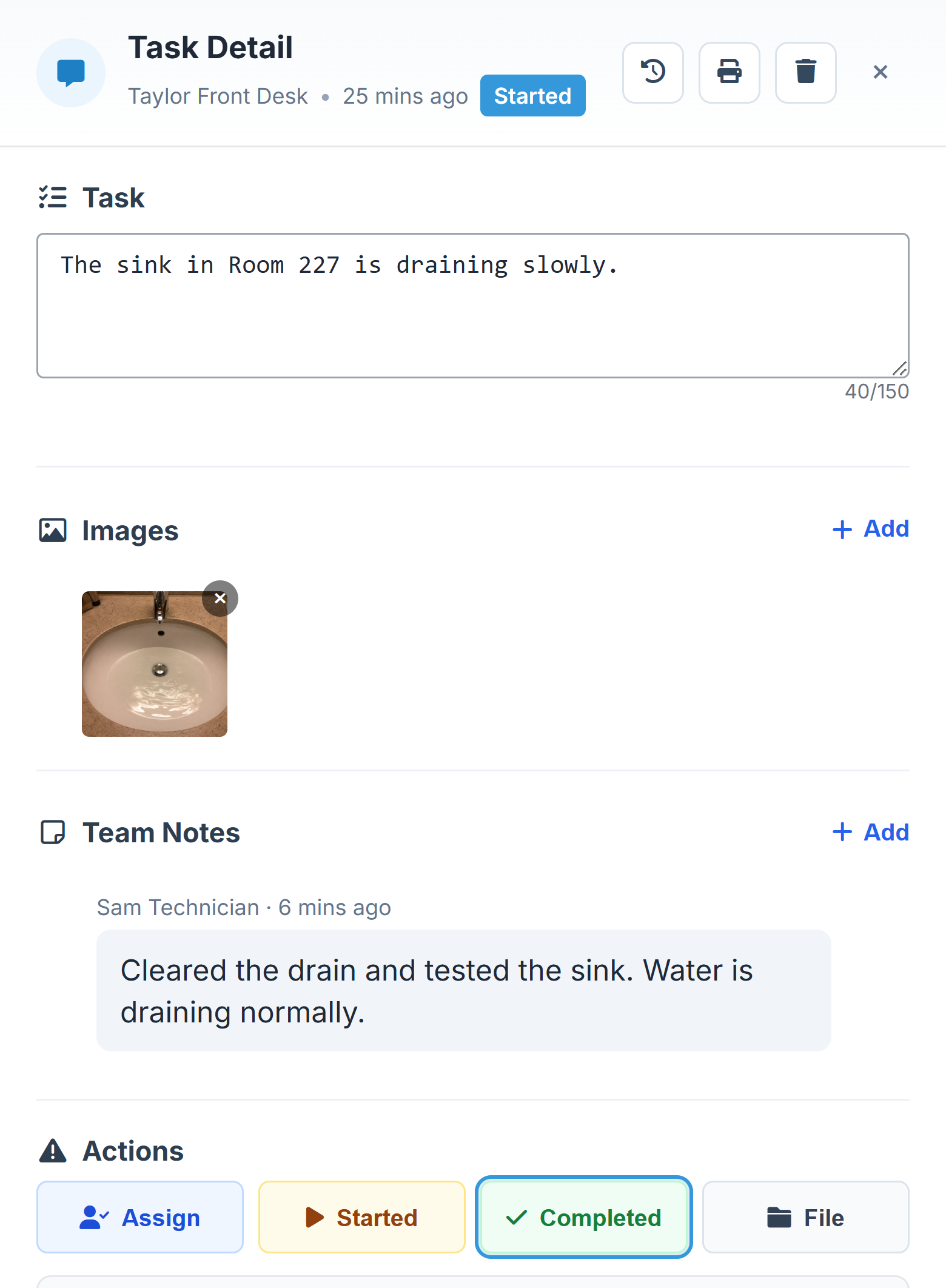
- Sam opens the task in his browser, records the repair note, and selects Completed.
- The manager can see the report, owner, and recorded result together.
Illustrative workflow using Harbor Point Hotel demo data.
A closer look
A clear owner. A clear next step.
The task detail keeps the request, team notes, assignment, and due date together. Update progress without hunting through a message thread.
A simple first step
Show us how work arrives today.
We’ll map the Dynbo path around your existing operation.